
 English
 Bengali
JUJILI App — Carry the Action Anywhere
Ready to move your JUJILI session from browser tabs to a quicker mobile setup? The Android app is built for fast logins, cleaner navigation, and smoother switching between instant games, live casino tables, and cricket betting when the match is moving quickly.
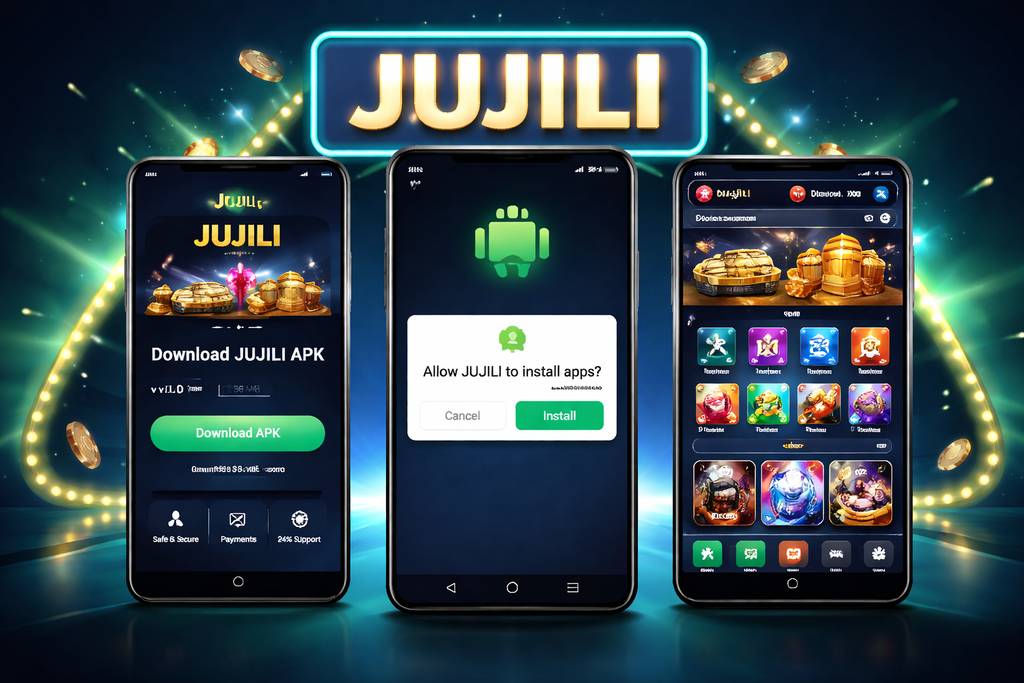
📲 How to Download the JUJILI App
The JUJILI APK is not listed on Google Play. That is common for real-money gaming platforms serving Bangladesh, because store rules restrict gambling-related apps in this region. The practical option is to download the Android package directly from the official site only.
Open the verified JUJILI website through your phone browser, look for the Android download button, and save the APK file to your device. If you see download mirrors shared in social groups, avoid them and use the official source connected to jujili.com instead.
File details:
| Spec | Value |
|---|---|
| File size | 24 MB |
| Format | APK (Android package) |
| Requires Android | 6.0 or newer |
| Latest version | 3.2.1 |
| Last updated | Rolling (every 4–6 weeks) |
| Digital signature | Verified by JUJILI development |
Before tapping install: keep your account safe by downloading from the official JUJILI source only. A modified APK can imitate the login page, request unnecessary permissions, or expose your balance and payment details.
After installation, you can use the same JUJILI account to explore slot games, claim offers from the bonus section, and return to the mobile browser whenever you prefer.
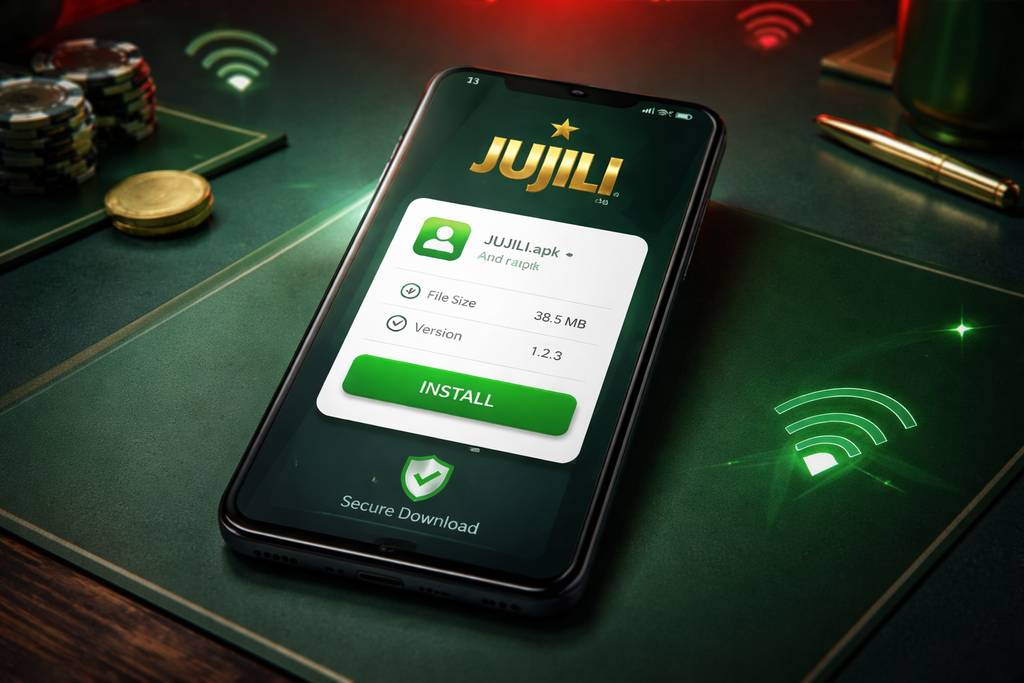
🤖 Android APK Installation Guide
Android setup is straightforward for most Bangladesh players. If your phone is already running Android 6.0 or newer, the whole process usually takes less time than registering a fresh account or placing your first live bet.
Step-by-step:
- Tap the Android download button on the official JUJILI site and wait while the .apk file saves to your Downloads folder
- Allow "unknown sources" installs if Android asks: - Older Android (6–7): Settings → Security → enable "Unknown sources" - Newer Android (8+): choose "Allow from this browser" when the prompt appears
- Open the .apk file from the download notification or your phone’s file manager
- Tap Install and let Android finish the 15–30 second installation process
- Launch JUJILI, sign in with your existing details or create an account, then start navigating the app dashboard
On a normal 4G connection in Bangladesh, the APK should download quickly because the file is only 24 MB. If your network drops, delete the partial file and start again from the verified download button.
App permissions — what’s worth knowing:
| Permission | Why it asks | Should you allow? |
|---|---|---|
| Storage | Save the APK file, cache game assets | ✅ Yes |
| Notifications | Bonus alerts, cash-out reminders | 🟡 Your choice — app runs fine either way |
| Camera | KYC selfie for withdrawals | 🟡 Only when you're doing KYC |
| Location | Match location to your account country | 🟡 Speeds up verification but not required |
| Contacts | Never asked — if it does, cancel the install | ❌ No |
JUJILI should not need access to calls, SMS, or your contact list. If any installer asks for those permissions, stop immediately, remove the file, and download again from the official site.
🍏 iOS Users — What You Actually Do
There is currently no separate iOS APK-style app, and iPhone users in Bangladesh should not trust websites claiming to provide one. Apple’s store policies make real-money gambling app distribution limited, so the safer route is the mobile web version.
Good news: the mobile web version gives you the important tools. Open Safari, enter the official JUJILI address, and you can still use:
- ✅ Full slot library with popular categories and quick search
- ✅ Live casino tables including professional dealer rooms and roulette-style play
- ✅ Cricket and football live betting with in-play markets
- ✅ Deposits and withdrawals via bKash / Nagad / Rocket where available for your account
- ✅ Home screen access after you save the site like an app icon
Add to home screen — this gives iPhone users a cleaner app-like launch button:
- Open Safari and visit the official JUJILI site
- Tap the Share button at the bottom of the browser
- Scroll through the options and select "Add to Home Screen"
- Rename the shortcut to "JUJILI" so it is easy to find
- Tap Add, then open it from your iPhone home screen whenever you want to play
For iOS players, this browser shortcut is the most reliable setup. You keep access to cashier tools, account settings, and live sections, although Android app-only promotions may not appear.
⚡ App Features & Benefits
The mobile site is useful, but the JUJILI Android app is designed for players who open their account often, follow live odds, or move between multiple game categories in one session.
Speed:
- 🚀 Faster load between sections (2s vs 4–5s on mobile browser)
- 🚀 Live streams start faster (buffering is shorter)
- 🚀 Bet slip updates without page refresh
Features:
- 📱 Biometric login — fingerprint or face unlock instead of typing password
- 🔔 Push notifications for bonuses, cash-out offers, match starts
- 💾 Offline browsing of your bet history
- 🎯 One-tap "Quick Bet" for cricket in-play
- 🔊 In-game chat with dealers works better (no session drops)
Data usage:
- 📊 About 15–25 MB per hour of live casino play
- 📊 About 5–10 MB per hour of slots
- 📊 About 60–100 MB per hour of live cricket streaming
- 📊 Turn off HD video in settings to cut data in half on 4G
🎁 Exclusive App-Only Bonuses
JUJILI uses app rewards to encourage Android players to install and stay active. These offers are useful because they can add extra value before you commit to a bigger deposit.
1. First-install free bet: ৳200
- Given to any account that installs the app for the first time
- No deposit required — real free bet on any cricket or football market
- Odds must be 1.60 or higher for the free bet to qualify
- Winnings paid as cash, no wagering
2. App notification bonus: ৳50 free spins weekly
- Turn on push notifications and stay logged in
- Every Sunday you get 5 free spins on the featured slot of the week
These extras are aimed at players who use the app regularly rather than only visiting once. Combine the first-install reward with the latest JUJILI promotions to build a stronger starting balance.
🛠️ Troubleshooting & Updates
App won’t install:
- Check you have "install unknown apps" enabled for your browser
- Make sure you have at least 100 MB free storage
- Uninstall old versions before installing new ones
- If installer says "app not installed" — clear Downloads folder and try again
App won’t open after install:
- Force close and reopen the JUJILI app from your recent apps screen
- Restart your phone if the first launch hangs on the loading screen
- Reinstall from the official source after deleting the previous APK file
Live casino streams lag:
- Switch from wifi to 4G or vice versa
- Close other apps running in background
- Lower stream quality in the game's settings icon
- Older phones (Android 6–7) may struggle with HD streams — this is normal
Updates:
- App checks for updates on launch
- When available, you'll see a red dot on the settings icon
- Tap it, download the new APK, install over the top (your login stays)
- Roughly every 4–6 weeks there's a small update — usually bug fixes and new games
If your issue continues, sign in through the login area and open live chat. For account-specific download or payment questions, you can also contact support at [email protected].
❓ FAQ
Yes, if it comes from the official JUJILI source. The APK is digitally signed and checked before release. Avoid files shared through random groups, short links, or unofficial APK libraries because they may be modified.
It comes down to platform policy. Google Play restricts real-money gambling apps for Bangladesh users, so casino and betting brands commonly provide a direct APK instead of a Play Store listing.
No dedicated iOS app is available. iPhone users should open JUJILI through Safari and add the site to the home screen for a cleaner mobile experience.
About 15–25 MB per hour of live casino, 5–10 MB per hour of slots, and 60–100 MB per hour of live cricket streaming. Reducing stream quality can lower usage on mobile data.
Usually you install the new APK over the existing version. Your login, preferences, and account history remain connected as long as you use the same JUJILI account.
Yes, but keep activity normal. Using one account across more than one device is possible, although placing simultaneous bets from multiple phones can trigger security checks.
Your JUJILI account does not disappear. You can reinstall later or sign in through the mobile browser, and your balance stays tied to the account rather than the app file.
The Android APK can run on many Android tablets. Layout and controls adjust to the larger screen, while iPad users should continue with Safari access.
💭 Final Word
The JUJILI app is not mandatory, but it makes sense if you play more than occasionally. Faster loading, biometric access, app notifications, and quicker movement between betting, casino, and game sections all matter during busy match days in Bangladesh.
The ৳200 first-install free bet is the clearest reason to try it, especially if you also plan to review the current welcome bonus. For casual players, the install takes little time; for regular players, the convenience is noticeable.
Keep one rule: download only from the official JUJILI website connected to jujili.com. For safer play after setup, use trusted paths to games, casino, and account access rather than links passed around in chats.